AutoMQ
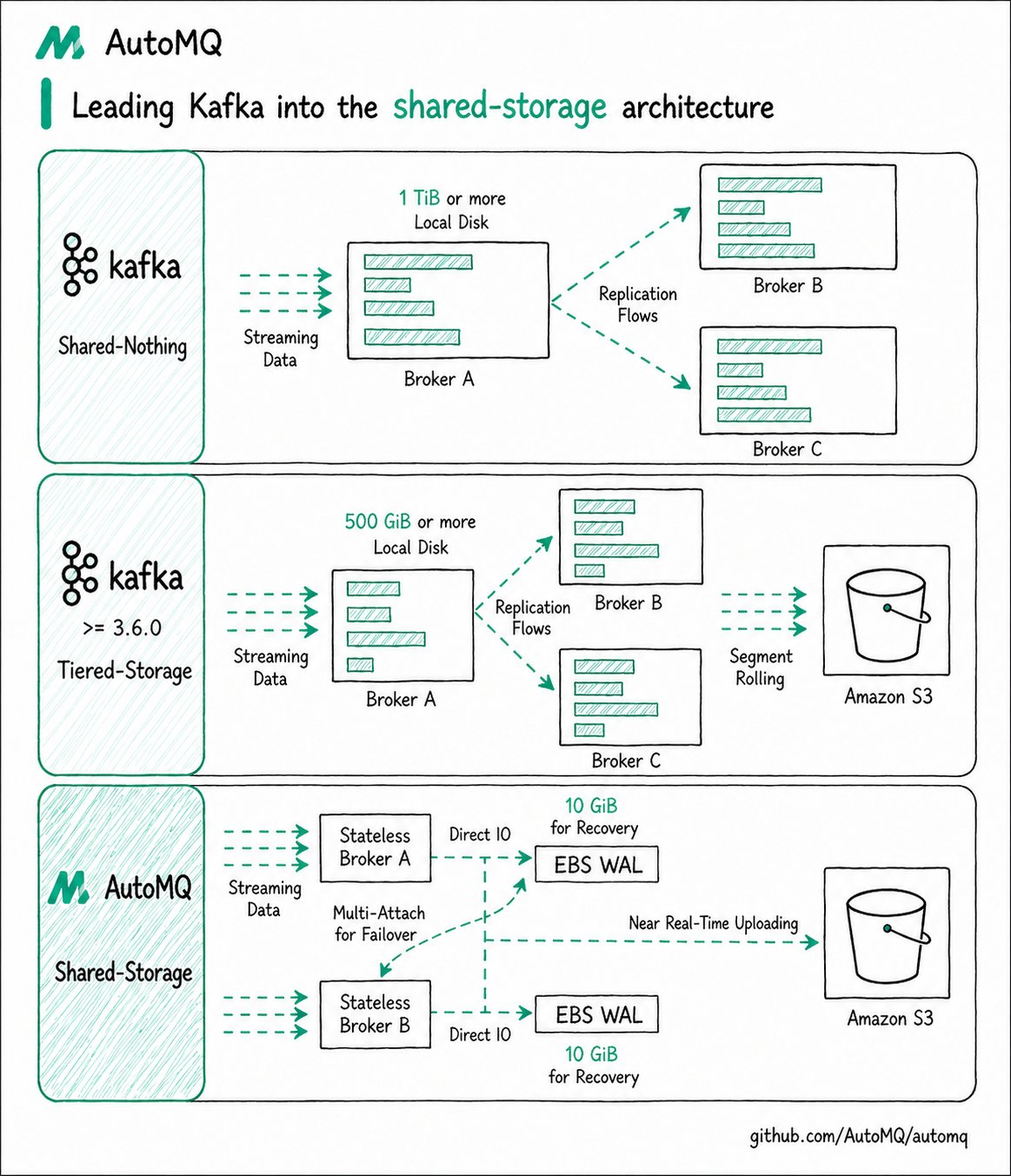
AutoMQ is a cloud-native Kafka redesigned for the cloud. By offloading storage to object storage, it remains 100% compatible with Apache Kafka while providing up to a 10x cost advantage and a 100x elasticity advantage. Its innovative shared-storage architecture delivers second-level partition migration, traffic self-balancing, and second-level auto-scaling, all while maintaining high throughput and low latency.
This document describes how to use Apache Doris Routine Load to consume JSON data from an AutoMQ Kafka-compatible Topic and continuously ingest it into a Doris table.
Use Cases
When business data has been written to AutoMQ and you want to continuously analyze this real-time data in Apache Doris, you can use Routine Load to consume data from an AutoMQ Topic. The example in this document uses a JSON Topic and a Doris test table to demonstrate the complete workflow, from preparing data to verifying the ingestion result.
The overall workflow is as follows:
- Prepare the Apache Doris test database and test table.
- Prepare the AutoMQ cluster, the Kafka command-line tools, and the test Topic.
- Write JSON test data to the AutoMQ Topic.
- Create a Routine Load ingestion job in Doris.
- Query the Doris table to verify that the data has been ingested successfully.
Prerequisites
Before you start, make sure the following environment is ready.
| Item | Description |
|---|---|
| Apache Doris cluster | Make sure an Apache Doris cluster is available. For demonstration purposes, this document refers to the Quick Start document to deploy a test environment on Linux. |
| AutoMQ cluster | Refer to the AutoMQ official deployment document to deploy an available cluster, and make sure the network between AutoMQ and Apache Doris is connected. |
| Kafka command-line tools | Download the latest TGZ package from AutoMQ Releases and extract it. This document assumes the extracted directory is $AUTOMQ_HOME, and uses the tool commands under $AUTOMQ_HOME/bin to create the Topic and generate test data. |
Prepare the Doris Test Table
Create a database and a test table in Doris. The subsequent examples are executed in automq_db by default.
CREATE DATABASE automq_db;
USE automq_db;

CREATE TABLE automq_db.users (
    id BIGINT NOT NULL,
    name STRING NOT NULL,
    timestamp STRING NULL,
    status STRING NULL
) DISTRIBUTED BY HASH(id) PROPERTIES ("replication_num" = "1");
Prepare the AutoMQ Topic and Test Data
This document uses the following example parameters. When running the commands, replace the example address with the actual AutoMQ Bootstrap Server address.
| Parameter | Example Value | Description |
|---|---|---|
| AutoMQ Bootstrap Server | 127.0.0.1:9092 | The access address of the AutoMQ cluster. |
| Topic | example_topic | The Topic used to store test JSON data. |
| AutoMQ extracted directory | $AUTOMQ_HOME | The directory where the AutoMQ TGZ package is extracted. |
Create the Topic
Use the Apache Kafka command-line tool to create example_topic.
$AUTOMQ_HOME/bin/kafka-topics.sh \
    --create \
    --topic example_topic \
    --bootstrap-server 127.0.0.1:9092 \
    --partitions 1 \
    --replication-factor 1
After creation, use the following command to verify that the Topic was created successfully.
$AUTOMQ_HOME/bin/kafka-topics.sh \
    --describe \
    --topic example_topic \
    --bootstrap-server 127.0.0.1:9092
Prepare the Test Data
The test data uses JSON format. The fields must correspond to the Doris table and to the jsonpaths in the subsequent Routine Load.
{
    "id": 1,
    "name": "Test User",
    "timestamp": "2023-11-10T12:00:00",
    "status": "active"
}
Write the Test Data
Write the test data to example_topic using the Kafka command-line tool or programmatically. The following example uses the command-line tool to write the data.
echo '{"id": 1, "name": "Test User", "timestamp": "2023-11-10T12:00:00", "status": "active"}' | $AUTOMQ_HOME/bin/kafka-console-producer.sh \
    --bootstrap-server 127.0.0.1:9092 \
    --topic example_topic
Use the following command to view the Topic data that was just written.
$AUTOMQ_HOME/bin/kafka-console-consumer.sh \
    --bootstrap-server 127.0.0.1:9092 \
    --topic example_topic \
    --from-beginning
Create the Routine Load Ingestion Job
In the Apache Doris command line, create a Routine Load job to continuously consume JSON data from the AutoMQ Topic. For detailed Routine Load parameter descriptions, refer to Doris Routine Load.
CREATE ROUTINE LOAD automq_example_load ON users
COLUMNS(id, name, timestamp, status)
PROPERTIES
(
    "format" = "json",
    "jsonpaths" = "[\"$.id\",\"$.name\",\"$.timestamp\",\"$.status\"]"
)
FROM KAFKA
(
    "kafka_broker_list" = "127.0.0.1:9092",
    "kafka_topic" = "example_topic",
    "property.kafka_default_offsets" = "OFFSET_BEGINNING"
);
The key configurations are described as follows.
| Configuration | Example Value | Description |
|---|---|---|
format | json | Specifies that the ingested data format is JSON. |
jsonpaths | ["$.id","$.name","$.timestamp","$.status"] | Specifies the mapping between JSON fields and Doris table fields. |
kafka_broker_list | 127.0.0.1:9092 | The AutoMQ Bootstrap Server address. Replace with the actual address at runtime. |
kafka_topic | example_topic | The AutoMQ Topic that Routine Load needs to consume. |
property.kafka_default_offsets | OFFSET_BEGINNING | Consumes data from the beginning of the Topic. |
Verify Data Ingestion
First, check the status of the Routine Load ingestion job to make sure the task is running.
SHOW ROUTINE LOAD\G;
Then query the Doris table to confirm that the test data has been ingested.
SELECT * FROM users;
+------+-----------+---------------------+--------+
| id   | name      | timestamp           | status |
+------+-----------+---------------------+--------+
|    1 | Test User | 2023-11-10T12:00:00 | active |
+------+-----------+---------------------+--------+
1 row in set (0.01 sec)
Notes
- When running the example commands, replace
127.0.0.1:9092with the actual AutoMQ Bootstrap Server address. - The fields of the test JSON data must match the Doris table fields and the Routine Load
jsonpathsconfiguration. - Before creating the Routine Load job, make sure Doris can access the AutoMQ cluster.